
You may pay your annual dues online via Credit Card or e-Check via:
https://propertypay.firstcitizens.com
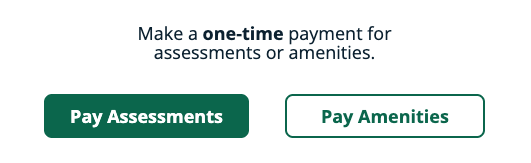
- Select Pay Assessments under one-time payment
2. Agree to Terms & Conditions and enter in your personal details
3. In the Property Details section enter the following values and confirm that Vista Management and Flints Grove display once entered:
Management ID = 7031
Association ID = 000395
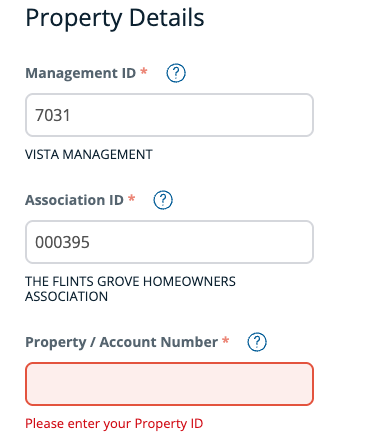
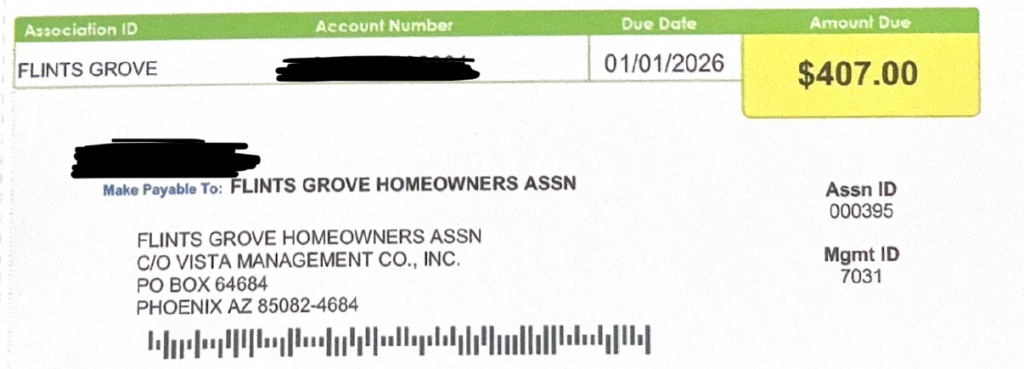
4. Enter your 12-digit Account Number that is shown on your annual dues coupon and confirm that the correct address populates in the fields below.
Dues Coupon:
2026 Revised Notice:
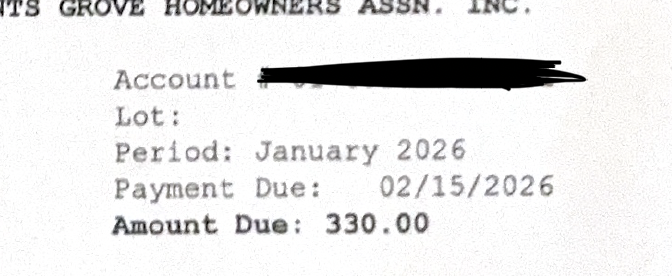
If you cannot locate you do not have your Account Number, please email management@flintsgrovehoa.org with your name and address to obtain this number.
5. Select your preferred method of payment and follow steps to process payment.
Note: For e-check you will need to provide Routing Number and Account Number of the bank account you would like to use for payment.